
BitBOINC
Thread 'GPU task stuck.'
Questions and Answers : Getting started & support : GPU task stuck.
Message board moderation
| Author | Message |
|---|---|
|
New member Send message Joined: 29 Sep 26 Posts: 19 Credit: 202,000 RAC: 11,745   
|
This Task running on the on board AMD graphics (device0) seems to be stuck on 89.874% and has been for over half an hour with time remaining going up rather than down. I suspect I should probably abort it. I also have tasks running on the video card (also AMD) and there seem to be no problems with them since the issue with downloads was resolved. The onboard graphics are not being used with any monitor so I have been using that as well as the card knowing it won't affect performance of the computer. I am interested in any insights you might have as to the reason for this and whether there is anything I can do to avoid it? One thought occurred to me is that BOINC manager does not say which GPU suspended tasks are allocated to. Could this be related to a task swapping GPU when it resumes? I am afraid I don't know if it had been on the other initially. |
|
New member Send message Joined: 27 Sep 26 Posts: 82 Credit: 877,800 RAC: 67,962      
|
I am going to solve this problem a lot of people have started experiencing it. 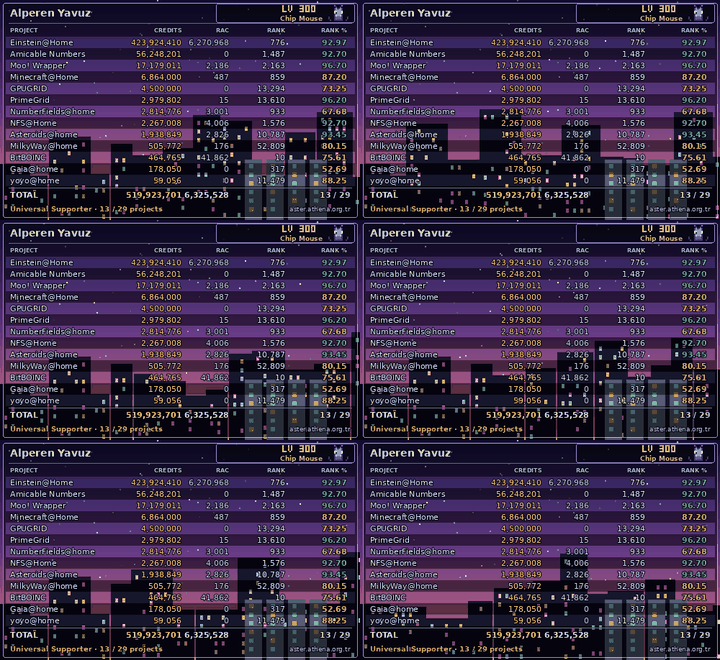
|
|
New member Send message Joined: 29 Sep 26 Posts: 19 Credit: 202,000 RAC: 11,745
|
I have looked at all the files in the relevant slots directory and not found anything indeed the stderr file is very sparse. Potamos OpenCL (sequential keyspace scan, OpenCL) v1 bitboinc -- https://bitboinc.athena.org.tr/ coded by Alperen Yavuz gpu_search_init: using OpenCL device "gfx1032" Looking at Top, I am not convinced the task process is still running. |
|
New member Send message Joined: 27 Sep 26 Posts: 82 Credit: 877,800 RAC: 67,962
|
Wait a little longer if the process doesn't change, reset the project, and it will send you the latest version.
|
|
New member Send message Joined: 29 Sep 26 Posts: 19 Credit: 202,000 RAC: 11,745
|
I will do that once all my downloaded tasks have cleared. By then I will know if it happens with both GPUs or just with one. Edit: The task in question must have been before the checkpoint issue was fixed. I tried suspending the task and restarting it. It has restarted from the beginning. I will see what happens. Edit2: Suspending and resuming seems to have shifted it as it is now showing as a success on task page and it didn't actually go back to the start as it finished too quickly for that on resuming. |


