
Thread 'How to run multiple concurrent gpu tasks instead of 1?'
Questions and Answers : Getting started, support & suggestions : How to run multiple concurrent gpu tasks instead of 1?
Message board moderation
✓ Solved
| Author | Message |
|---|---|
|
26 years old Send message Joined: 4 Oct 26 Posts: 10 Credit: 555,922 RAC: 2,723              
|
Just started running the project on my Intel ARC B390 Panther Lake iGPU, but only getting 1 concurrent task, which does not even remotely max out of iGPU. So is it possible for the project to add an option for selecting how many concurrent gpu tasks you want to the settings page on the website, or else, what .xml app_config file text do I need to get like 12 concurrent tasks, cause my B390 iGPU has 12-cores? |
|
25 years old  Send message Joined: 27 Sep 26 Posts: 420 Credit: 8,150,785 RAC: 241,661                       
|
I'm adding it right away. 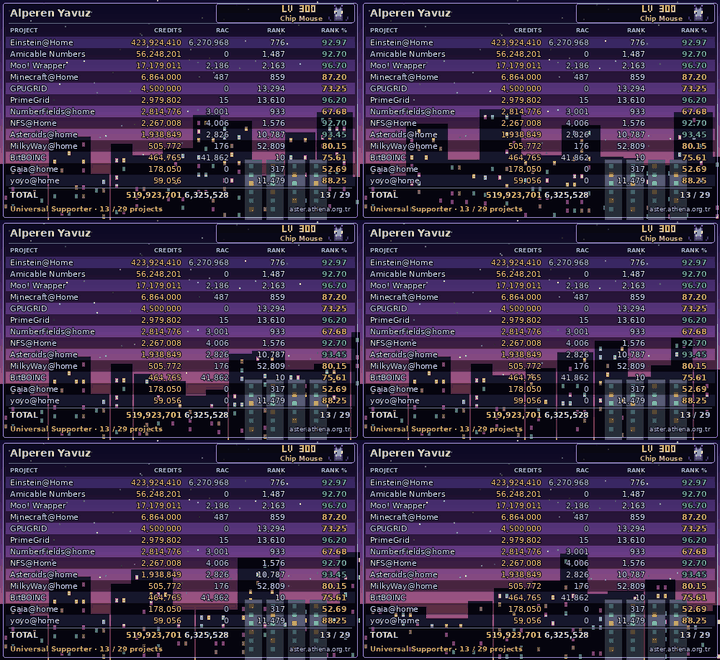
|
|
25 years old Send message Joined: 27 Sep 26 Posts: 420 Credit: 8,150,785 RAC: 241,661
|
This is now live! Go to your bitboinc account preferences -> Project preferences, and you'll see a new "GPU usage factor" field. Default is 1.0 (unchanged behavior). Set it lower -- e.g. 0.0833 for ~12 concurrent tasks -- and the scheduler will let that many tasks share one physical GPU. I'd suggest starting around 0.25-0.33 and watching real throughput before pushing all the way to 12.
|
|
26 years old Send message Joined: 4 Oct 26 Posts: 10 Credit: 555,922 RAC: 2,723
|
Incredible work Alperen! Thank you for the lightning-fast GPU concurrency feature! Honestly, going from asking about this to having it live on the website in under an hour has got to be a record for BOINC project responsiveness—truly unbelievable work! Tested it out after resetting my project, and it's running properly now. While maxing it all the way out to 12 concurrent tasks might not be the absolute sweet spot for every setup (like my Intel Arc iGPU), for anyone running beast-tier cards like an RTX 5090, this is an absolute game-changer. This feature alone is going to massively boost compute throughput for the project very quickly. Would it be possible to throw together a quick News post on the project homepage about this? A lot of users might not check the message boards and won't realize the feature is there or know how the fractional 0.xx values work, so a front-page heads-up would really help everyone optimize their hardware. Thanks again for such phenomenal development and engagement! |
 rilian  Send message Joined: 28 Sep 26 Posts: 281 Credit: 53,197,339 RAC: 926,642                      
|
Well done and i also agree it would be nice to show this more prominently! https://bitboinc.athena.org.tr/changelog.php i think on majority of boinc projects the main way of communication is news, because it is also delivered to Notices on boinc client. Would be great if you post news with recent changes from time to time I crunch for Ukraine 
|
|
26 years old Send message Joined: 4 Oct 26 Posts: 10 Credit: 555,922 RAC: 2,723
|
In reply to rilian's message of 6 Oct 2026: Well done and i also agree it would be nice to show this more prominently! And of course, as I just did, sharing this news on r/boinc subreddit, the Ltt forum, the folding category, and the main BOINC website message boards :) |
|
25 years old Send message Joined: 27 Sep 26 Posts: 420 Credit: 8,150,785 RAC: 241,661
|
I’ve optimized the application perfectly; I didn't even have an Intel GPU on hand. It runs flawlessly and is incredibly fast—it actually surprised me. This iGPU is quite powerful. What kind of RAM are you using? Is it soldered LPDDR5 or something similar? What is the speed—how many MHz?
|
|
26 years old Send message Joined: 4 Oct 26 Posts: 10 Credit: 555,922 RAC: 2,723
|
It is soldered, 7467 MT/s/MHz, 32GB of it :) |
|
Steve Dodd Send message Joined: 28 Sep 26 Posts: 28 Credit: 64,177,807 RAC: 742,322           
|
I tried implementing this via instructions here. I'm running 2 physical GPU cards. I set the value in preferences to .5 (2 tasks per GPU) and restarted BOINC. No change. I still seem to be running everything on 1 physical GPU. This problem has occurred in other projects (escapes me at the moment which one(s)) This kind of "fix" was implemented in the cc_config.xml file for running multiple tasks on a given GPU, but not getting WUs to run on all available GPU resources was solved somewhere else (I think). Sorry I'm patchy on the information; I'm old :) (Could have been Collatz where we did all the fiddling) Steve Edit: After a while, it did indeed start running across both GPUs and running 2 tasks/per, so I guess it does work! (You'd think I'd have learned patience by now :)) 
|
|
Send message Joined: 7 Oct 26 Posts: 12 Credit: 6,000 RAC: 8
|
In reply to Steve Dodd's message of 9 Oct 2026: I tried implementing this via instructions here. I'm running 2 physical GPU cards. I set the value in preferences to .5 (2 tasks per GPU) and restarted BOINC. No change. I still seem to be running everything on 1 physical GPU. This problem has occurred in other projects (escapes me at the moment which one(s)) This kind of "fix" was implemented in the cc_config.xml file for running multiple tasks on a given GPU, but not getting WUs to run on all available GPU resources was solved somewhere else (I think). Sorry I'm patchy on the information; I'm old :) (Could have been Collatz where we did all the fiddling) FYI cc_config has an option to allow use of multiple GPUs beyond GPU 0. An app_config has options to control how many tasks are run on a GPU or even 1 task across multiple GPUs (Moo) |


