
Thread 'How should I set "GPU usage factor for your applications" for my RX 6700 XT?'
Questions and Answers : Getting started, support & suggestions : How should I set "GPU usage factor for your applications" for my RX 6700 XT?
Message board moderation
✓ Solved
| Author | Message |
|---|---|
|
Send message Joined: 6 Oct 26 Posts: 9 Credit: 50,087 RAC: 36      
|
What is that option for? And what about "CPU usage factor for your GPU applications"? for my 5700G? |
|
25 years old  Send message Joined: 27 Sep 26 Posts: 420 Credit: 8,149,985 RAC: 241,801                         
|
Good questions -- I just updated the preferences page so both settings explain themselves in the label now, but here's the fuller picture: GPU usage factor By default, BOINC only ever runs one task at a time on a given physical GPU. This setting lets you scale that down so more than one task runs on the same GPU at once -- roughly 1 / value tasks at a time. So 0.5 = 2 tasks at once, 0.25 = 4 tasks at once, and so on. It only matters if a single task isn't able to keep your GPU fully busy on its own -- which is common on powerful or many-core GPUs. For your RX 6700 XT: that's a solid mid/high-end card (2560 shader cores), so it's a reasonable candidate to try this on. I'd suggest starting around 0.5 (2 concurrent tasks) and watching your GPU utilization and temperatures for a day or two. If utilization is still well under 100% with 2 tasks running, you can try pushing it further (0.33 for 3, 0.25 for 4). If temps or your task error rate go up, back off. There's no universal "correct" value -- it depends on your specific card, drivers, and how hot your case runs. CPU usage factor This one is about CPU, not GPU. Every GPU task is also assigned a declared number of CPU cores (usually a small fraction, like 0.1), which is what BOINC uses for scheduling decisions -- how many other tasks it'll let run alongside it, etc. On some hardware/driver combinations, our GPU apps genuinely use more real CPU than that declared number, which can make your CPU busier than BOINC expects. This preference lets you correct that by telling the scheduler "actually, count this task as using more CPU than its default." For your 5700G: if you're running our GPU apps on the 5700G's own integrated graphics, this is the one to watch -- iGPUs sharing system resources with the CPU are exactly the case where real CPU usage can end up higher than the declared amount. Open Task Manager (or boincmgr's CPU view) while a GPU task is running and compare how much CPU it's actually using versus what BOINC says it's scheduled for. If there's a big gap, raise this value (e.g. to 0.5 or 1.0) until the numbers line up better. If you're not seeing that gap, there's no need to touch it -- leave it at the default 1.0. Both settings are per-account, not per-host, so if you run bitboinc on more than one computer they'll apply everywhere -- keep that in mind if your other machines have very different hardware. 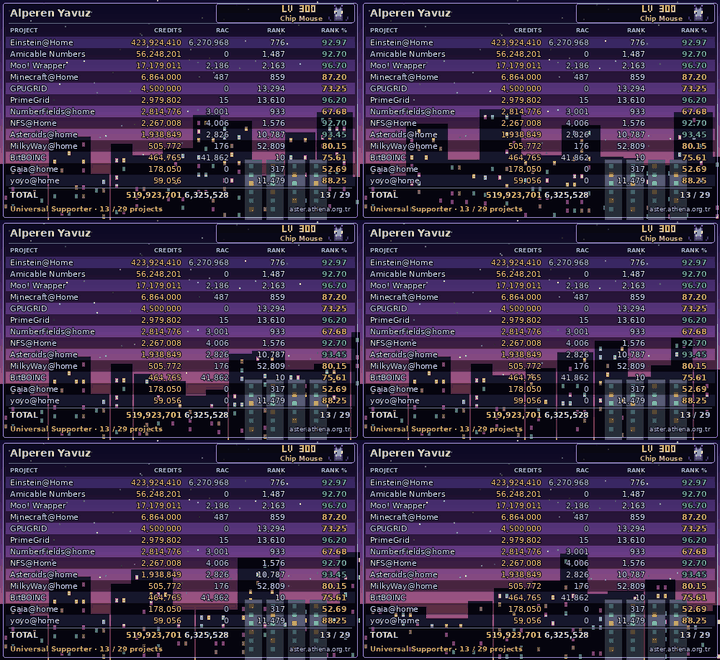
|
 rilian  Send message Joined: 28 Sep 26 Posts: 281 Credit: 53,195,939 RAC: 926,683                      
|
one more example: for modern GPUs, project Einstein@home cannot utilize them to 100% and there is also a setting for utilization factor. For example on my old RTX 3060 i can reliably crunch 2 Einstein@home work units at one time. When i crunch 3 at one time it becomes slower. and one more example about allocated CPU for GPU task: Folding@home requires one full CPU to be allocated for every GPU task I crunch for Ukraine 
|
|
rilian Send message Joined: 28 Sep 26 Posts: 281 Credit: 53,195,939 RAC: 926,683
|
In reply to Alperen Yavuz's message of 6 Oct 2026:
I think it would be better to make them per device profile, so that you can adjust them per host manually. This is because people may have different GPUs, weaker and stronger, at one time UPDATE: sorry, it seems they already are done per device profile (not per account) I crunch for Ukraine
|
|
Send message Joined: 29 Sep 26 Posts: 33 Credit: 6,409,097 RAC: 5,621       
|
I have changed the settings on my project settings to 0.125, yet still only getting 2 tasks which is what I have had all along. Discrete GPU card is AMD Radeon RX 6600 Still not getting anything on GPU on motherboard. |
|
rilian Send message Joined: 28 Sep 26 Posts: 281 Credit: 53,195,939 RAC: 926,683
|
In reply to Dave's message of 6 Oct 2026: I have changed the settings on my project settings to 0.125, yet still only getting 2 tasks which is what I have had all along. Discrete GPU card is AMD Radeon RX 6600 Still not getting anything on GPU on motherboard. do you mean BOINC client only downloads 2 gpu tasks to the queue? Maybe you should increase the "Store at least ____ days" value ..? I crunch for Ukraine
|


